Half Punch Throwing Guide: Grabs, Slams, and Control
Learn Half Punch throwing with Q and E grabs, head slams, and safer positioning. Practice control in 1v1s and avoid head-first landings that end a fight.
Jump to
How to Grab and Throw in Half Punch
For Half Punch throwing, join the community through the upgrade menu, then use Q and E to grab an opponent. A hold lets you set up throws and head slams. Stay on your feet while learning: jumping with a grabbed opponent can end with you landing on your own head and getting knocked unconscious or killed.
Half Punch is a physics-based Roblox fighting game inspired by Half Sword. Grabbing gives you another way to fight beyond trading punches: you can hold an opponent, attempt a slam, or bring them against a wall.
| Action | Input or requirement | What it enables |
|---|---|---|
| Unlock grabbing | Join the community through the upgrade menu | Grab players and objects, and climb walls |
| Grab an opponent | Q and E | Establish a hold for close-range control |
| Attempt a jumping slam | Grab an opponent, then jump | Bring the held opponent down onto their head |
| Practice against bots | Join a private server | Work on grabbing outside public fights |
Start by opening the upgrade menu and scrolling to the community option. After joining, move close enough to grab another player with Q and E. Grabbing has a cooldown, so avoid making every exchange depend on immediately catching the opponent again.
Official page: Half Punch (roblox.com)
Turn a Grab Into a Slam
Work on holding an opponent before adding jumps. A grab gives you time to attempt follow-up attacks, but a jumping slam also puts your own landing at risk.
Use a Wall for a Close-Range Setup
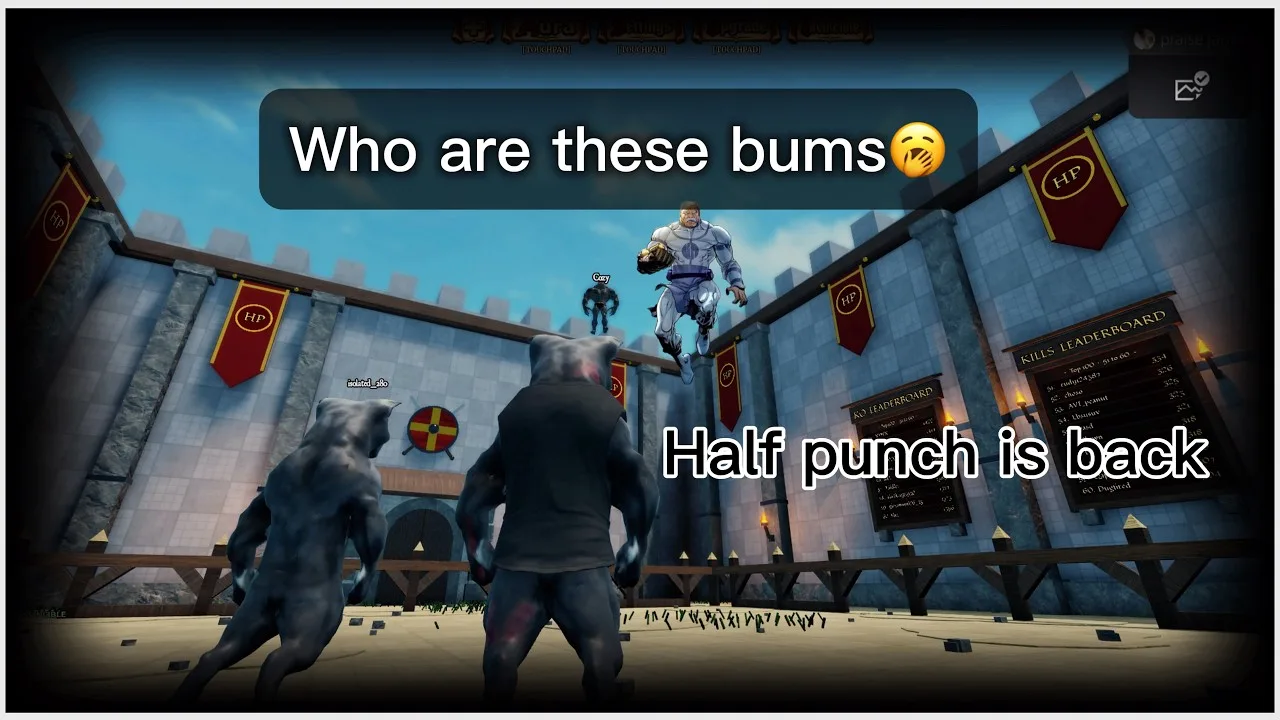
Grab an opponent near a wall and try bringing their head against it. This gives you a slam to practice without adding an aerial rotation to the exchange.
Focus on the opponent’s position while keeping your own character upright. If the grapple becomes awkward, resist adding a jump just to force a result; head-first landings can end your fight.
Add the Jump After You Can Hold the Target
The jumping setup is straightforward: establish the grab, then jump while holding the opponent and try to bring them down headfirst. The difficult part is landing safely yourself.
Practice this separately from backflips, cartwheels, and jumping kicks. Those moves already demand careful landings, and combining them with a grapple adds more movement to manage.
Keep Punching Available
You do not have to turn every hold into a throw. Holding the left and right mouse buttons while moving the mouse left and right provides another close-range attacking option.
Use punches between grab attempts, especially while the grab cooldown is active. Avoid repeatedly reaching for a hold while ignoring an opponent who is still attacking.
Practice in 1v1s Before Crowded Fights
Choose 1v1 mode to concentrate on one opponent’s movement and your own landing. Practice establishing a hold, attempting a wall slam, and then adding a jumping slam in separate exchanges.
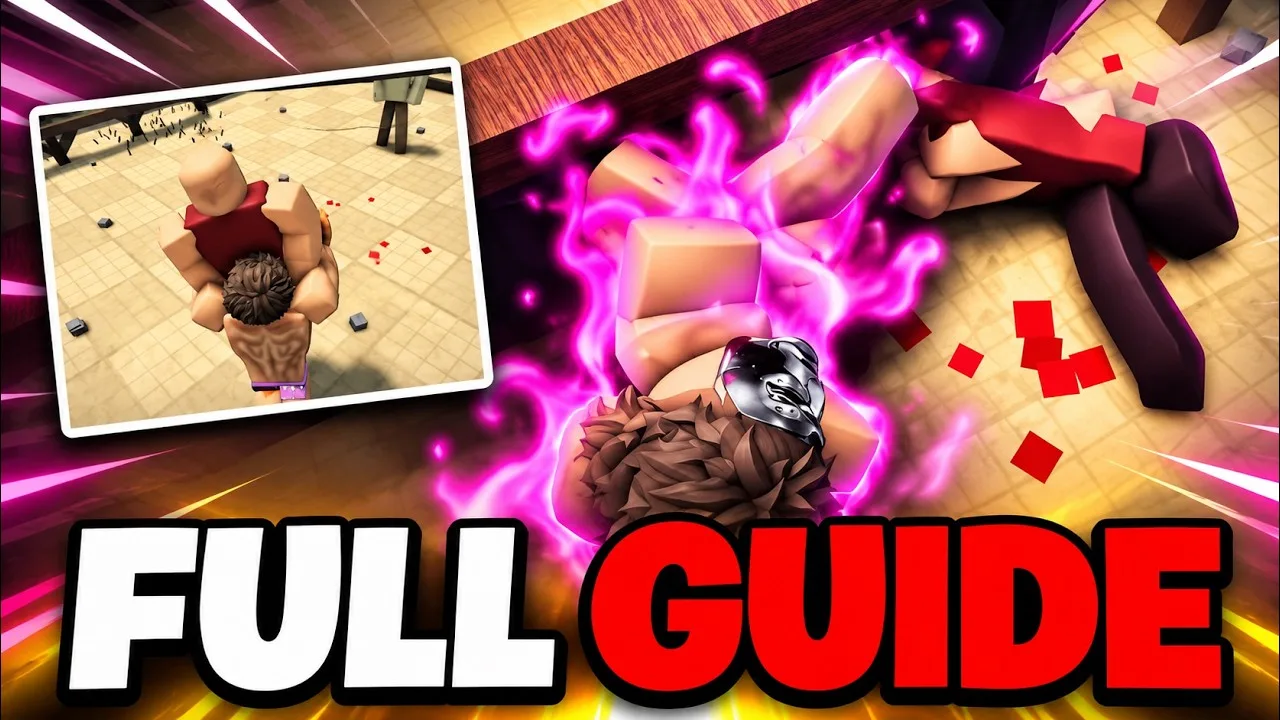
Keep these arena details in mind:
- Servers support a maximum of 7 players.
- Bot play requires a private server.
In free-for-all, try grappling when you have room to focus on the target. Holding someone still leaves you dealing with the surrounding fight, so watch for another player moving into striking range.
Grabbing also lets you climb walls. While holding onto a wall, hold Space and hold the mouse button for the hanging arm to climb upward. Practice this movement separately from throws before trying a jumping kick from the wall, since the extra height still leaves you needing to land safely.
For upgrades, prioritize strength, damage, and energy before putting grabbing first. Speed is another useful upgrade to work on, while grab upgrades can come later. Keep practicing the basic hold alongside those upgrades: a jumping attack that ends on your own head remains a dangerous trade.
Continue with
 Half Punch Combos: Grab, Kick, and Land More KnockoutsMaster Half Punch combos with grabs, punches, and jump kicks. Learn the controls, plan upgrades, and improve your landings to avoid knocking yourself out.
More in Combat
Half Punch Controls: Punch, Grab, Kick, and Stay Up
Learn Half Punch controls for punching, grabbing, kicking, and sprinting. Get practical combo tips, wall-climbing steps, and advice for safer landings.
Half Punch Critical Hit Guide: Land Headshots and KOs
Master the Half Punch critical hit with head-targeted punches, controls, and knockback tips. Learn how to follow up on knockdowns and practice with bots.
Half Punch Fast Kills: Headshots, Grabs, and Kicks
Get Half Punch fast kills with head-focused punches, close-range grabs, and controlled jump kicks. Learn the controls and avoid deadly head-first landings.
Half Punch Grab Guide: Controls, Slams, and Climbing
Learn Half Punch grab controls, unlock grabbing through the community, and practice slams, wall climbing, and close-range combos without losing balance.
Join the community
Official channels for news, updates and player help: