Half Punch Combos: Grab, Kick, and Land More Knockouts
Master Half Punch combos with grabs, punches, and jump kicks. Learn the controls, plan upgrades, and improve your landings to avoid knocking yourself out.
Jump to
Which Combos Should You Learn?
Half Punch combos start with controlling your opponent: grab with Q and E, follow with punches, and keep attacking after a knockdown. Jump kicks and grab-into-jump slams add aggressive options, but landing on your head can knock you unconscious or kill you. Start with grounded attacks before practicing aerial moves.
Half Punch uses physics-based combat, so positioning and landing matter alongside your inputs. Use these sequences as routes to practice rather than expecting every collision to produce the same result.
| Attack sequence | How to perform it | What to watch |
|---|---|---|
| Grab into punches | Grab with Q and E, then hold both mouse buttons and move the mouse left and right | Grabbing has a cooldown |
| Knockdown into punches | Knock an opponent down, move over them, and continue punching | Stay positioned to connect with the grounded opponent |
| Jump into kick | Approach, jump, rotate toward the opponent, and kick with F | A head-first landing can end your own fight |
| Grab into jump slam | Grab an opponent, then jump while holding them to attempt a head-first slam | The collision can leave you off balance, too |
Official page: Half Punch (roblox.com)
Unlock Grabbing and Learn the Combat Controls
Open the upgrade menu and use its community-join option to enable grabbing players, objects, and walls. Get this working before building your fighting style around holds or wall climbing.
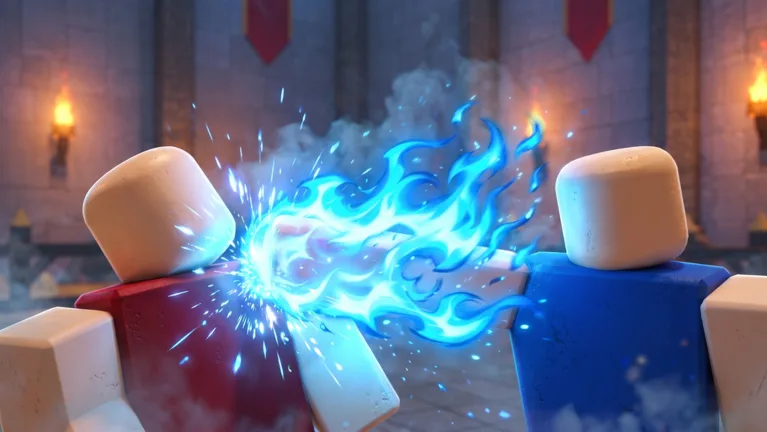 Image: Roblox / The Big G Studio
The useful PC inputs for these sequences are:
- Q and E: Grab.
- Left and right mouse buttons: Punch; hold both while moving the mouse side to side for repeated attacks.
- F: Kick.
- Shift: Sprint.
The controls panel sits at the top right of the screen. Keep it handy while learning moves instead of trying to memorize every action at once.
Grabbing has a cooldown. Between attempts, use punches or reposition; repeatedly trying to grab during that cooldown leaves you without the hold your next move needs.
Practice Grounded Punches Before Adding Flips
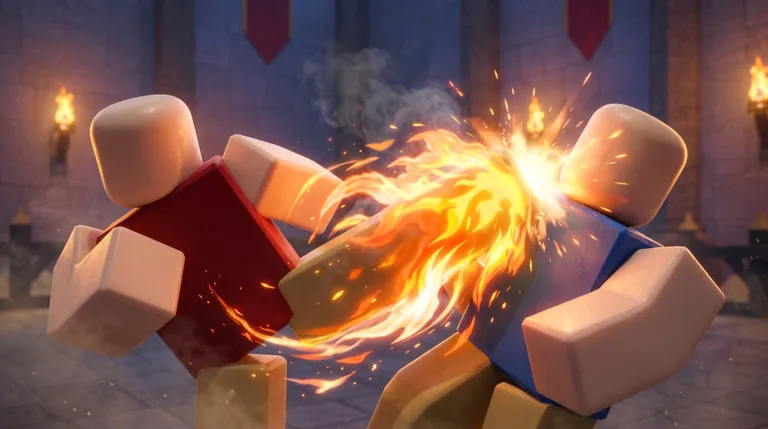
Start with a grab-and-punch sequence:
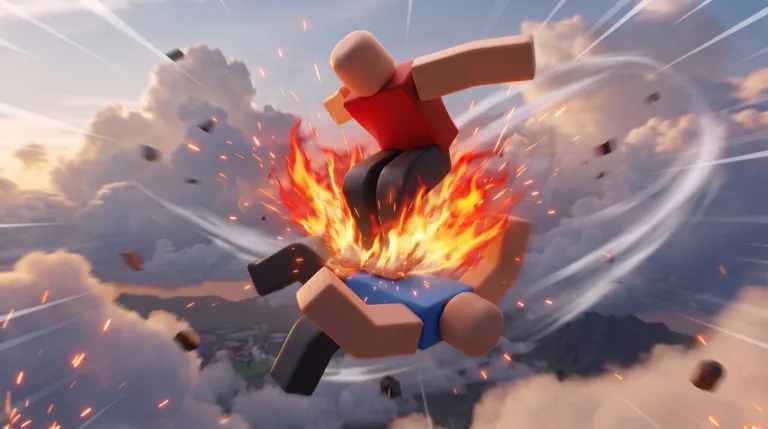 Image: Roblox / The Big G Studio
- Move within grabbing distance.
- Use Q and E to grab your opponent.
- Hold the left and right mouse buttons.
- Move your mouse left and right to direct repeated punches toward their head.
Keep your attention on where the attacks connect. The head is the target, and simply holding the buttons does not replace aiming your movement.
When an opponent falls, move over them and continue punching while they are down. This gives you a follow-up without immediately committing to another jump.
Use grounded attacks against opponents who keep throwing themselves into kicks. Watch their landing, then close in for punches or a grab when they fall. Avoid jumping into every exchange yourself: colliding in midair can leave both fighters tumbling.
Add Jump Kicks and Grab Slams
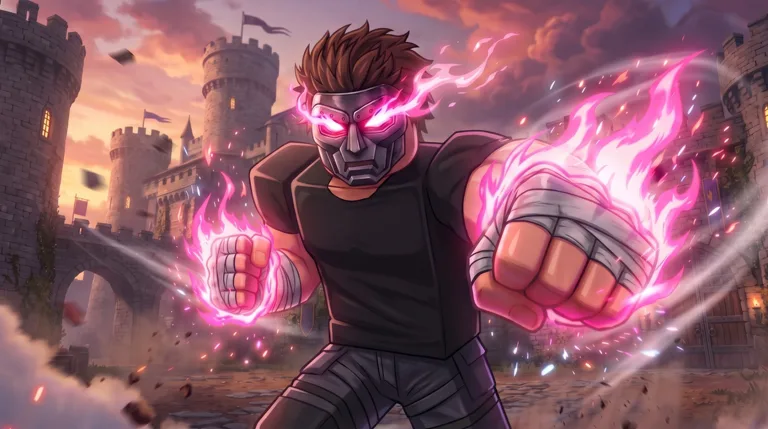 Image: Roblox / The Big G Studio
Jump Kicks
Approach your opponent, jump, and combine your rotation with F to attempt a kick toward their head. Aim to finish on your feet.
Practice the landing as deliberately as the hit. A kick that connects can still leave you unconscious—or dead—if your head hits the floor afterward. Repeating flips without controlling your landing makes every attempt a gamble.
Backflip kicks and cartwheels offer other ways to bring your legs into contact with an opponent. Leave those variations until you can attempt a basic jumping kick without repeatedly landing on your head.
Grab-and-Jump Slams
Grab your opponent, then jump while maintaining the hold to attempt a slam. The goal is to bring their head into the ground during the collision.
Keep practicing ordinary holds alongside this move. Jumping introduces another chance to tumble, while staying grounded lets you continue punching without managing an aerial landing.
Walls also give grabs an environmental use: holding an opponent near a wall lets you attempt to drive their head into it.
Wall-Assisted Attacks
Once grabbing is enabled, you can hold onto walls and climb. Hold Space while attached, and use the mouse button associated with the hanging arm to climb.
Practice climbing separately before adding an attack. Extra height gives you more airtime for a kick, but you still need to control the descent.
Choose Upgrades and a Place to Practice
Prioritize damage and strength, then work on energy and speed. Add jump upgrades when you start practicing aerial attacks, and leave grab upgrades until later.
Use 1v1 mode to practice one sequence at a time. Work on grabbing into punches before switching to jump kicks; facing one opponent makes it easier to follow the collision and see where you landed.
Keep these practice options in mind:
- Public servers support a maximum of 7 players.
- The game includes free-for-all and 1v1 modes.
- Join a private server to play with bots.
For landing practice, judge each attempt by both outcomes: whether your strike connected and whether you stayed upright afterward. A knockout followed by your own head-first crash still gives you something specific to fix.
Continue with
 Half Punch Controls: Punch, Grab, Kick, and Stay UpLearn Half Punch controls for punching, grabbing, kicking, and sprinting. Get practical combo tips, wall-climbing steps, and advice for safer landings.
More in Combat
Half Punch Critical Hit Guide: Land Headshots and KOs
Master the Half Punch critical hit with head-targeted punches, controls, and knockback tips. Learn how to follow up on knockdowns and practice with bots.
Half Punch Fast Kills: Headshots, Grabs, and Kicks
Get Half Punch fast kills with head-focused punches, close-range grabs, and controlled jump kicks. Learn the controls and avoid deadly head-first landings.
Half Punch Grab Guide: Controls, Slams, and Climbing
Learn Half Punch grab controls, unlock grabbing through the community, and practice slams, wall climbing, and close-range combos without losing balance.
Half Punch Jump Kick: Controls, Timing, and Landings
Master the Half Punch jump kick with PC controls, head-hit timing, safer landings, and wall-jump tips. Practice your approach and avoid headfirst falls.
Join the community
Official channels for news, updates and player help: