Half Punch Critical Hit Guide: Land Headshots and KOs
Master the Half Punch critical hit with head-targeted punches, controls, and knockback tips. Learn how to follow up on knockdowns and practice with bots.
Jump to
How to Land a Critical Hit
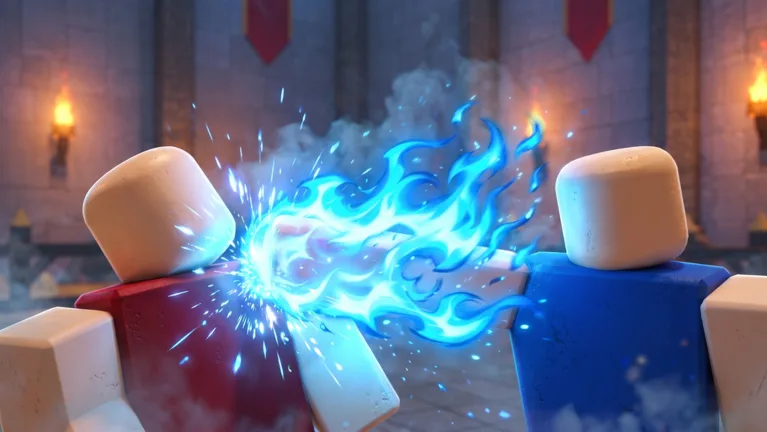
To land a Half Punch critical hit, hold the left and right mouse buttons to raise your hands, then move the mouse to swing toward your opponent’s head. Swipe left and right while aiming at the head. Connecting there delivers a critical hit with strong knockback.
The head is your target, but your mouse movement supplies the swing. Practice raising your hands and directing the punch together instead of relying on a button press alone.
These attacks give you different ways to connect with an opponent:
| Attack | Control | Target or execution | Result |
|---|---|---|---|
| Raised-hand punch | Hold left and right mouse buttons; move the mouse | Swing toward the opponent’s head | Critical hit with strong knockback |
| Kick | Press F | Direct your foot toward a grounded opponent’s head | Finishing hit |
| Jump kick | Hold Space | Connect with the opponent while airborne | Can kill instantly, but is difficult to control |
Start with head-targeted punches before adding airborne attacks. Keep your practice focused on directing the swing toward the head; the jump kick adds the separate challenge of controlling your body in the air.
Official page: Half Punch (roblox.com)
Follow Up on a Knockdown
When an opponent is lying down, press F and direct your foot toward their head. Aim the kick at the head instead of throwing it toward the center of their body.
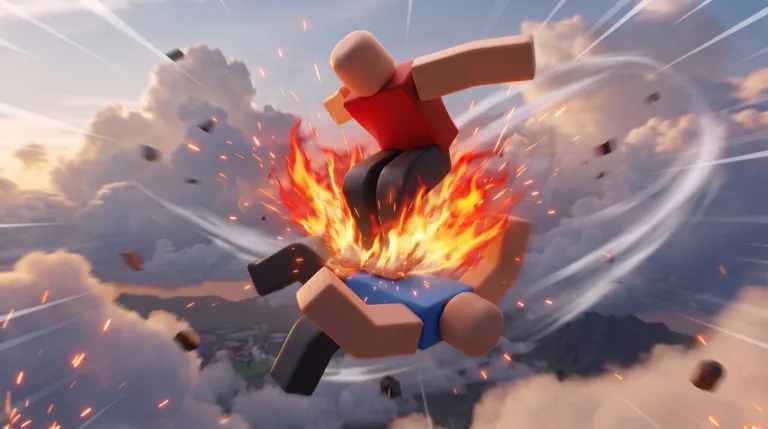 Image: Roblox / The Big G Studio
The grab gives you another route to a KO. It has a 30-second cooldown and is used at close range:
- Get close to the opponent.
- Activate the grab.
- Jump while holding them.
- Direct their body toward the ground.
Use the grab once you are already close. Keep its cooldown in mind when deciding whether to attempt another grab or return to punches.
Recover Your Footing and Control Your Landing
If you fall, keep steering forward with the movement control to stand back up. Recover your footing before trying to line up another head strike.
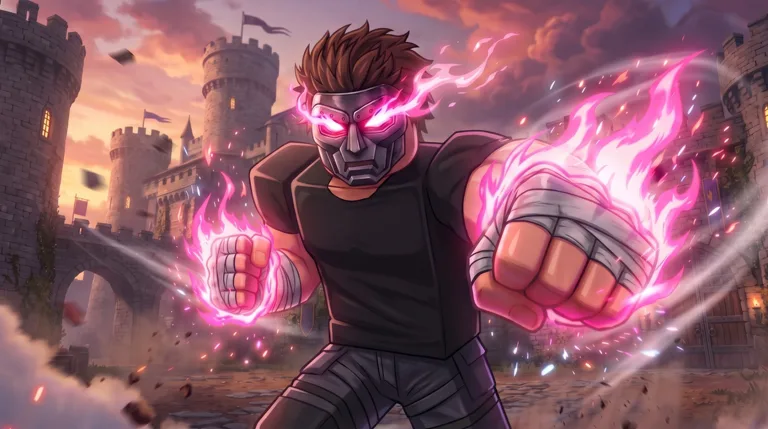 Image: Roblox / The Big G Studio
Running uses a toggle: press Shift once to turn it on, then press it again to turn it off. You do not need to keep Shift held down.
Jump kicks demand more care. While spinning through the air, keep your head above your body as you come down. Landing headfirst can kill you instantly, turning an attempted finishing move into your own defeat. Practice landing upright before using the attack repeatedly in a fight.
Practice Against Bots in a Private Server
Half Punch uses physics-based fighting, so practice both the strike and the body movement around it.
- Join a private server to play against bots.
- Servers support up to 7 players.
Use bot fights to rehearse a specific action at a time: raise your hands and aim a punch at the head, recover after falling, or control a jump-kick landing. Once you can direct those movements deliberately, practice the close-range grab and ground-directed throw.
Continue with
 Half Punch Fast Kills: Headshots, Grabs, and KicksGet Half Punch fast kills with head-focused punches, close-range grabs, and controlled jump kicks. Learn the controls and avoid deadly head-first landings.
More in Combat
Half Punch Combos: Grab, Kick, and Land More Knockouts
Master Half Punch combos with grabs, punches, and jump kicks. Learn the controls, plan upgrades, and improve your landings to avoid knocking yourself out.
Half Punch Controls: Punch, Grab, Kick, and Stay Up
Learn Half Punch controls for punching, grabbing, kicking, and sprinting. Get practical combo tips, wall-climbing steps, and advice for safer landings.
Half Punch Grab Guide: Controls, Slams, and Climbing
Learn Half Punch grab controls, unlock grabbing through the community, and practice slams, wall climbing, and close-range combos without losing balance.
Half Punch Jump Kick: Controls, Timing, and Landings
Master the Half Punch jump kick with PC controls, head-hit timing, safer landings, and wall-jump tips. Practice your approach and avoid headfirst falls.
Join the community
Official channels for news, updates and player help: