Half Punch Controls: Punch, Grab, Kick, and Stay Up
Learn Half Punch controls for punching, grabbing, kicking, and sprinting. Get practical combo tips, wall-climbing steps, and advice for safer landings.
Jump to
PC Controls at a Glance
Half Punch controls on PC use the left and right mouse buttons to raise your hands, mouse movement to swing punches, Q and E to grab, and F to kick. Press Shift to toggle sprinting and hold Space for a jumping kick. Keep your head upright when landing to avoid knocking yourself out.
| Input | Action |
|---|---|
| Hold left and right mouse buttons | Raise your hands for punching |
| Move the mouse while holding the buttons | Swing your punches |
| Q and E | Grab players or surfaces |
| F | Kick |
| Shift | Toggle sprinting on or off |
| Hold Space | Perform a jumping kick |
| X | Swap hands |
Half Punch is a physics-based Roblox fighting game inspired by Half Sword. Positioning matters because an attack can send both fighters tumbling. Learn to land safely alongside learning how to hit.
Official page: Half Punch (roblox.com)
How to Punch and Follow Up on a Knockdown
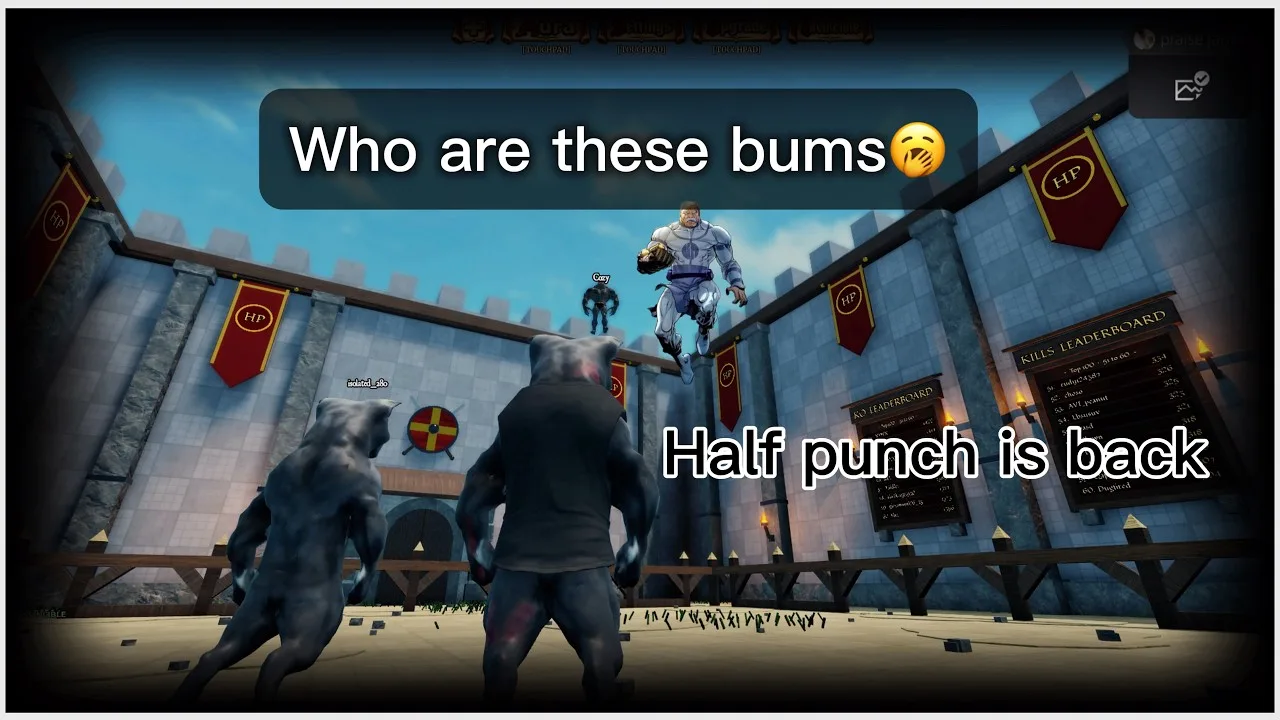
Hold the left and right mouse buttons, then move your mouse from side to side to swing your hands. Aim those swings toward your opponent’s head rather than moving the mouse without watching where your fists land.
Practice this sequence:
- Close the distance until your punches can connect.
- Hold the mouse buttons to raise your hands.
- Swing left and right while aiming at the opponent’s head.
- If they fall, stay within reach and continue punching or use F to kick.
A knockdown gives you a chance to follow up while the opponent is on the floor. Direct a kick toward their head, but avoid treating every grounded hit as a guaranteed elimination.
Press Shift once to turn sprinting on and again to turn it off. You do not need to keep the key held while approaching a fight.
How to Unlock Grabbing and Climb Walls
If grabbing is unavailable, open Upgrades, scroll down to the community option, and join the game’s community. This unlocks grabbing players and objects, along with wall climbing.
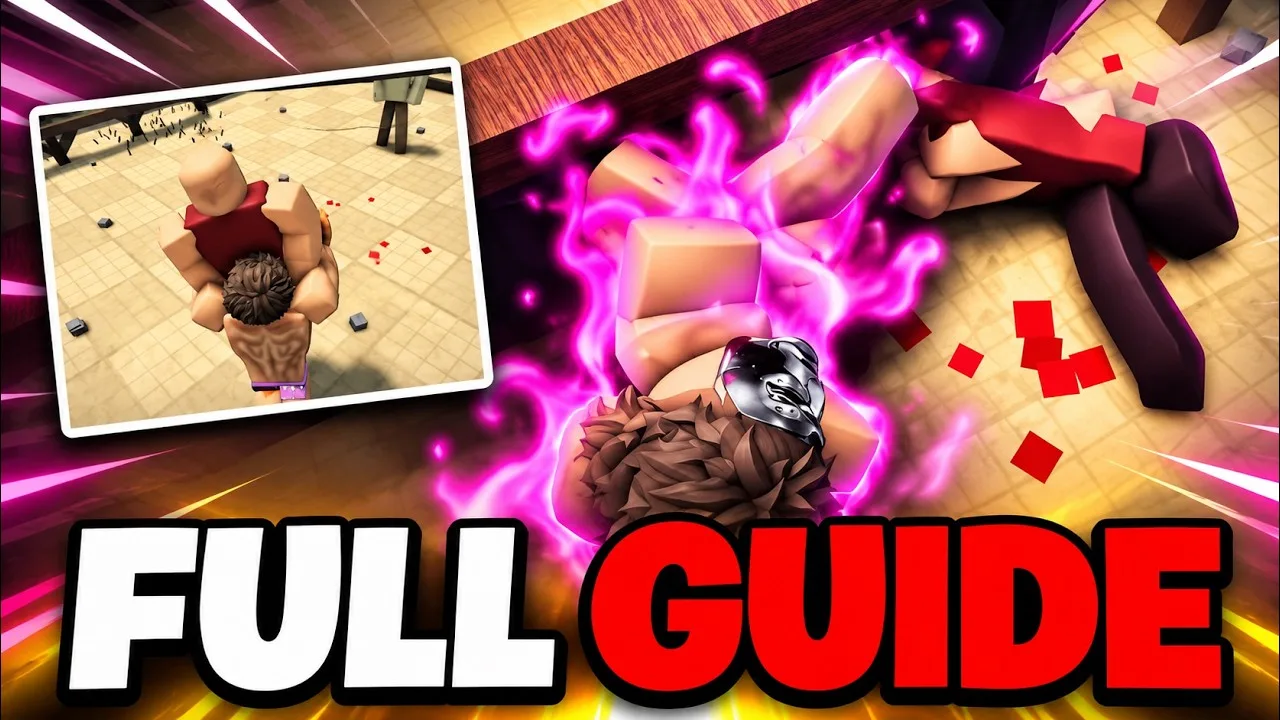
Use Q and E when you are close to an opponent. The grab skill has a 30-second cooldown, so save the attempt until you are within reach.
Once you have someone held, try jumping and directing their body toward the ground. Grabbing gives you another way to create a knockdown instead of relying entirely on punches or airborne kicks. Watch your own orientation during the attempt; a grab does not protect you from an awkward landing.
For wall climbing:
- Grab onto the wall.
- Hold the mouse button for the arm attached to it.
- Hold Space to climb.
Practice maintaining your grip before attempting attacks from a wall. Extra height gives you more airtime, but it also means you need to manage your landing.
Jump Kicks Without Landing on Your Head
Hold Space to perform a jumping kick. These attacks can score powerful hits, but a bad rotation can leave your own head hitting the floor, causing unconsciousness or death.
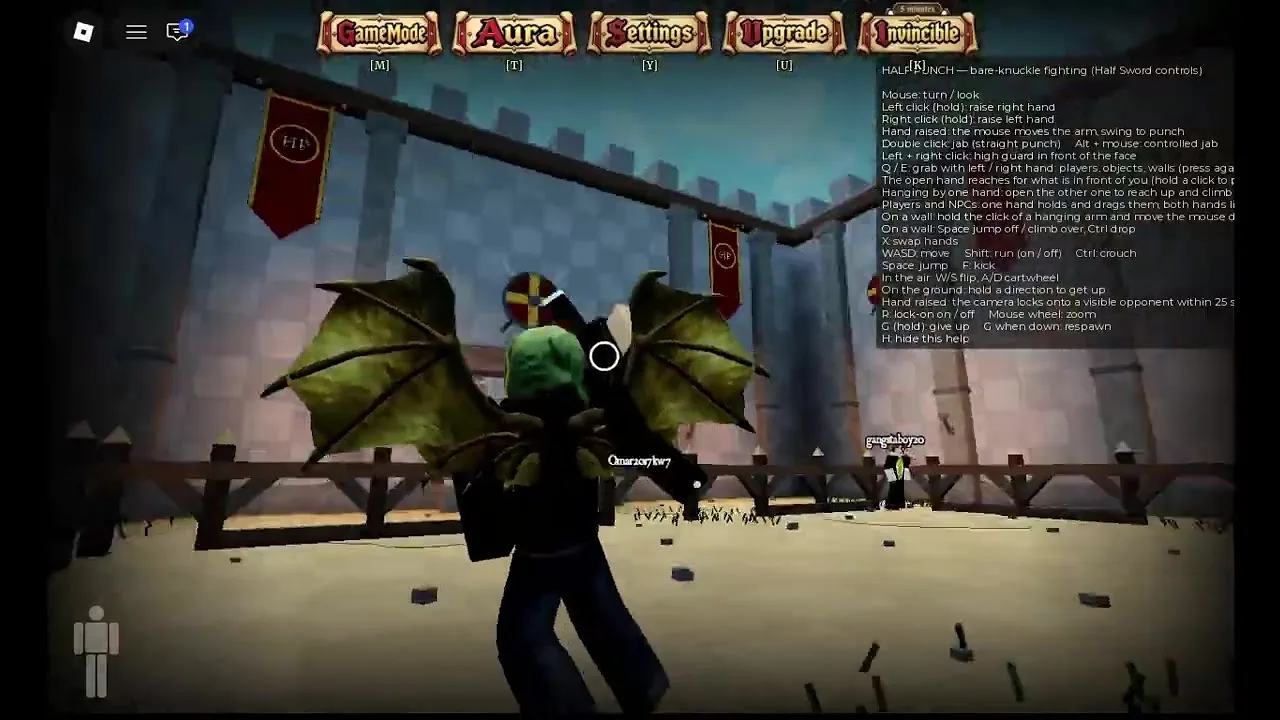
Try jumping kicks while moving toward an opponent, and aim your feet toward their head. Keep track of your body throughout the jump: connecting with the target is only part of the move.
Use these habits while practicing:
- Watch your landing position. Bring your head above your body and aim to land feet first.
- Practice individual attempts. Check whether you can finish upright before repeating the attack.
- Return to grounded attacks after repeated falls. Use punches, grabs, and F kicks while learning aerial timing.
Backflips and cartwheels can also connect during combat, but they carry the same landing problem. Practice controlling the motion before trying to combine it with a kick.
Practice in 1v1s and Choose Useful Upgrades
Public servers support up to 7 players. Switch from free-for-all to 1v1 through the game modes menu when you want to concentrate on one opponent’s punches, grabs, and jumping attacks. Join a private server if you want to fight bots.
When you fall, keep steering forward to help your character stand again. Watch for the unconscious state, too: being knocked out can interrupt your attempts to recover.
Prioritize damage and strength upgrades, then work on energy and speed. Leave grab upgrades until later while you build familiarity with the basic attacks.
Use each practice fight to work on one concrete action: landing a mouse-driven punch, connecting a close-range grab, or finishing a jumping kick on your feet. Add follow-up attacks once you can control that opening move.
Continue with
 Half Punch Critical Hit Guide: Land Headshots and KOsMaster the Half Punch critical hit with head-targeted punches, controls, and knockback tips. Learn how to follow up on knockdowns and practice with bots.
More in Combat
Half Punch Combos: Grab, Kick, and Land More Knockouts
Master Half Punch combos with grabs, punches, and jump kicks. Learn the controls, plan upgrades, and improve your landings to avoid knocking yourself out.
Half Punch Fast Kills: Headshots, Grabs, and Kicks
Get Half Punch fast kills with head-focused punches, close-range grabs, and controlled jump kicks. Learn the controls and avoid deadly head-first landings.
Half Punch Grab Guide: Controls, Slams, and Climbing
Learn Half Punch grab controls, unlock grabbing through the community, and practice slams, wall climbing, and close-range combos without losing balance.
Half Punch Jump Kick: Controls, Timing, and Landings
Master the Half Punch jump kick with PC controls, head-hit timing, safer landings, and wall-jump tips. Practice your approach and avoid headfirst falls.
Join the community
Official channels for news, updates and player help: