Half Punch Kill Coins: Earn More With Better Fighting
Earn more Half Punch kill coins with head hits, grabs, and controlled jump kicks. Learn the PC controls and what the X2 Earnings pass adds before you buy.
Jump to
How to Earn Kill Coins in Half Punch
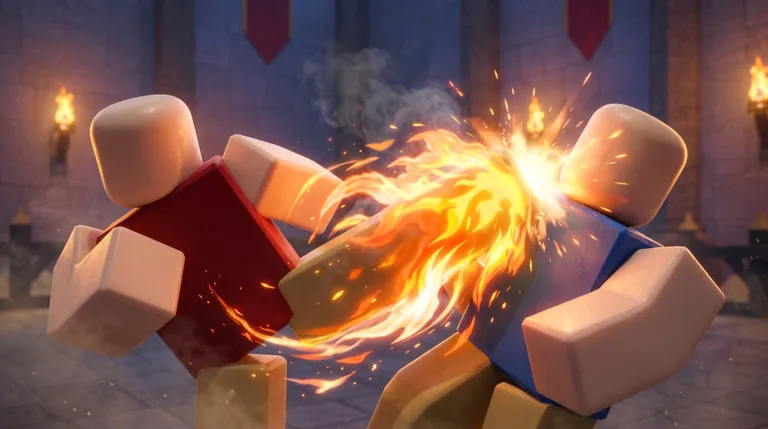
Half Punch kill coins come from eliminating opponents in this physics-based Roblox fighting game. Aim punches and kicks at the head, use close-range grabs, and control your landings to keep earning through combat. The X2 Earnings pass costs 249 Robux and doubles both Kill Coins and KO Coins.
X2 Earnings pass details — November 24, 2026
| Pass | Price | Effect |
|---|---|---|
| X2 Earnings | 249 Robux | X2 Kill Coins and KO Coins |
Work on finishing fights before buying the multiplier. The pass doubles those rewards, so practice the attacks you can land consistently before deciding whether to spend Robux.
You can access the game through the Half Punch Roblox page.
Aim Your Punches and Follow Up on Knockdowns
On PC, hold the left and right mouse buttons to raise your hands, then move the mouse left and right to swing. Direct those swings toward the opponent’s head for critical hits and knockback.
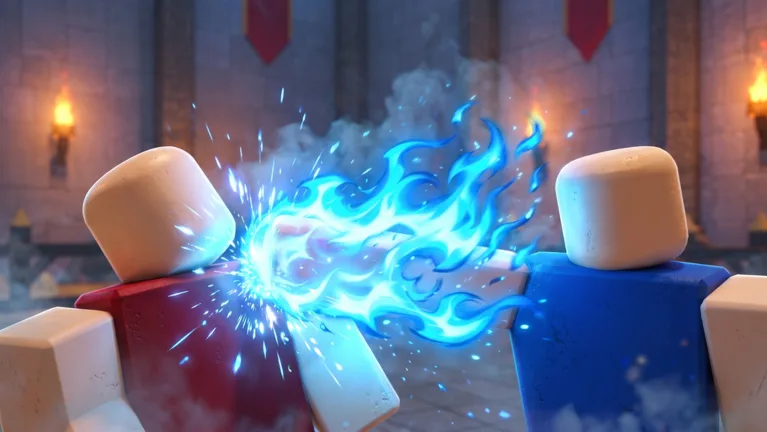 Image: Roblox / The Big G Studio
Avoid swinging without adjusting your aim. Keep your mouse movement directed toward the head, especially when an opponent is already on the ground.
Use these controls during close combat:
- Punch: Hold the mouse buttons and move the mouse to swing.
- Kick: Press F and direct your foot toward the opponent.
- Sprint: Press Shift once to toggle running.
- Recover after falling: Keep steering forward to help your character stand.
When you knock someone down, follow with aimed punches or an F kick toward their head. A grounded opponent gives you an opportunity to finish the fight, but keep your positioning under control instead of tumbling over them.
Use Grabs at Close Range
Join the game’s community through the option near the bottom of the Upgrades menu to gain access to grabbing players, grabbing objects, and climbing walls.
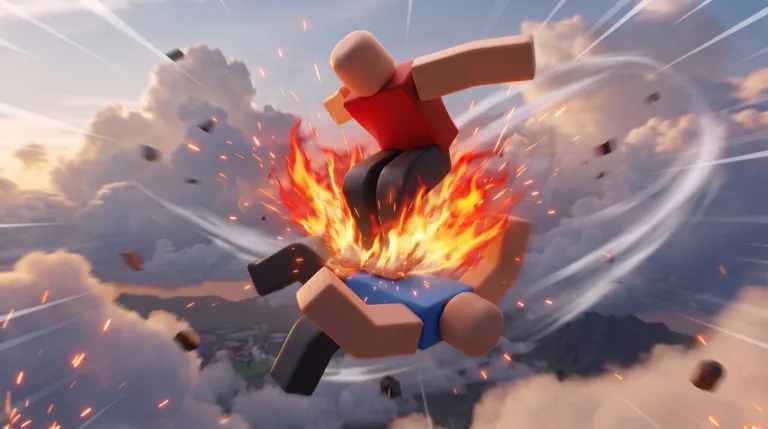 Image: Roblox / The Big G Studio
Use Q and E to grab a nearby opponent. The grab skill has a 30-second cooldown, so get close before attempting it.
Once you have hold of someone, direct their head toward the ground or a wall. You can also jump while holding them and bring them down headfirst. Keep your own landing in mind: lifting an opponent does little for your earning pace if you also crash onto your head.
Between grabs, return to aimed punches and kicks. Practice fighting through the cooldown instead of relying entirely on the grab.
Control Jump Kicks Before Chaining Them
Hold Space to perform a jump kick. These attacks can deliver lethal head hits, but the landing is just as important as the initial contact.
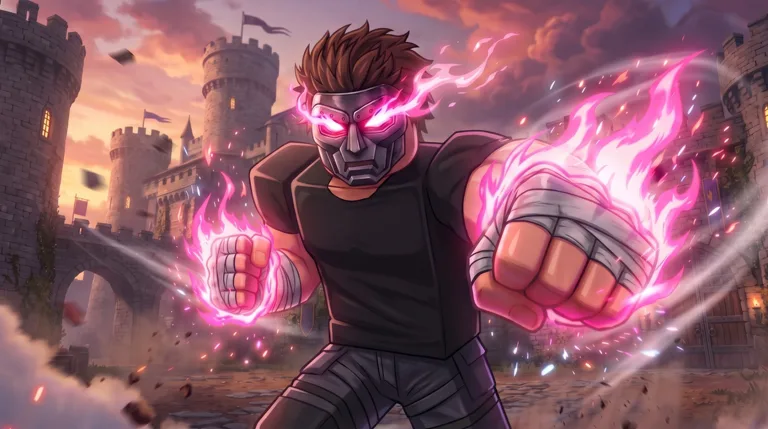 Image: Roblox / The Big G Studio
Keep your head above your body as you rotate, and aim to finish on your feet. Landing on your head can knock you unconscious or kill you.
Practice the move in a simple sequence:
- Approach an opponent with enough room to jump.
- Direct the kick toward their head.
- Control the rotation so your head stays clear of the ground.
- Recover your footing before attacking again.
Avoid repeatedly launching into another kick after a bad landing. Use grounded attacks while you regain control. Leave wall-assisted jumps until you can manage the basic kick; climbing adds another movement task to an already demanding attack.
Practice in 1v1s and Choose Combat Upgrades
Use 1v1 mode to concentrate on one opponent’s punches, grabs, and jump kicks. Practice landing a head hit, recovering from a fall, and completing a kick without landing headfirst.
For bot practice, join a private server. Use those fights to work on movement and aim before returning to player combat.
In Upgrades, prioritize strength and damage, then consider energy and speed. Jump upgrades are another option when you are working on aerial attacks. Keep practicing controlled landings alongside those upgrades so you can turn an opening into a finished fight.
Continue exploring
Half Punch Mobile Guide: Combat, Grabs, and Upgrades
Explore Half Punch mobile through Roblox, learn how grabs and jump kicks work, and compare upgrades and game passes before spending any of your Robux.
Half Punch Upgrades Guide: Best Stats to Upgrade First
Use this Half Punch upgrades guide to prioritize damage, strength, energy, and speed, unlock grabbing, and compare Robux passes before your next purchase.
Join the community
Official channels for news, updates and player help: